To validate your account or respond to a request from our services, which requires providing a clear and compliant photo of your identity document, here is a simple guide to help you properly photograph your identity card (CNI) or passport.
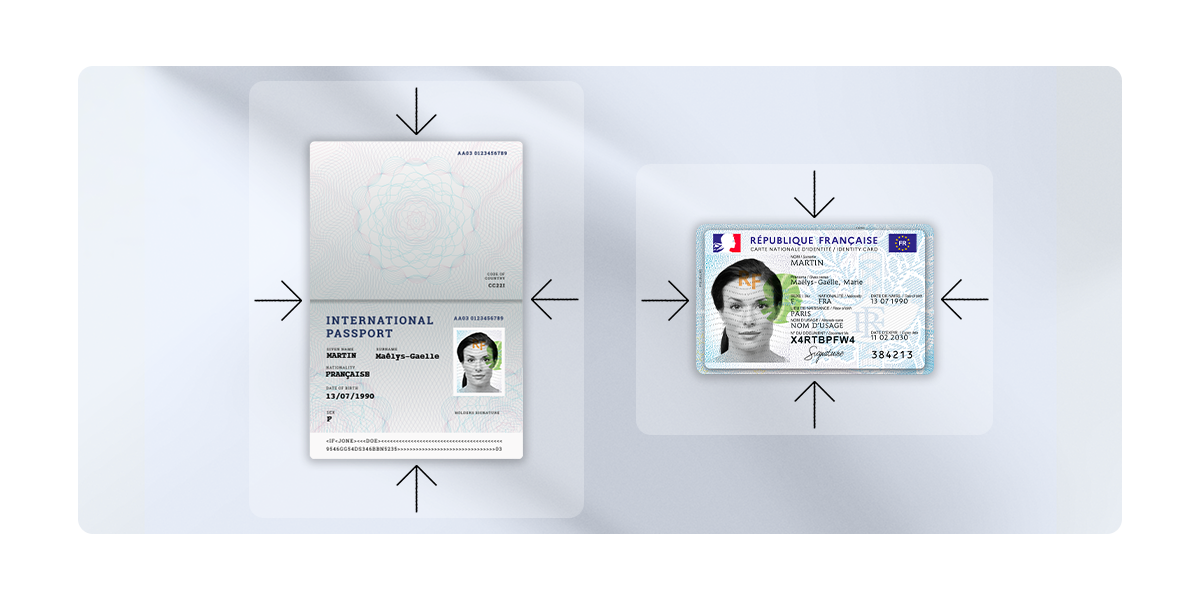
Accepted photo examples:
- Photo of the CNI or passport: The photo must be taken directly from the original, in color, and with good lighting.
- Visible edges: Ensure that the edges of the CNI or passport are fully visible and not cropped.
- Legibility: All information on the document must be clearly readable, without reflections or shadows.
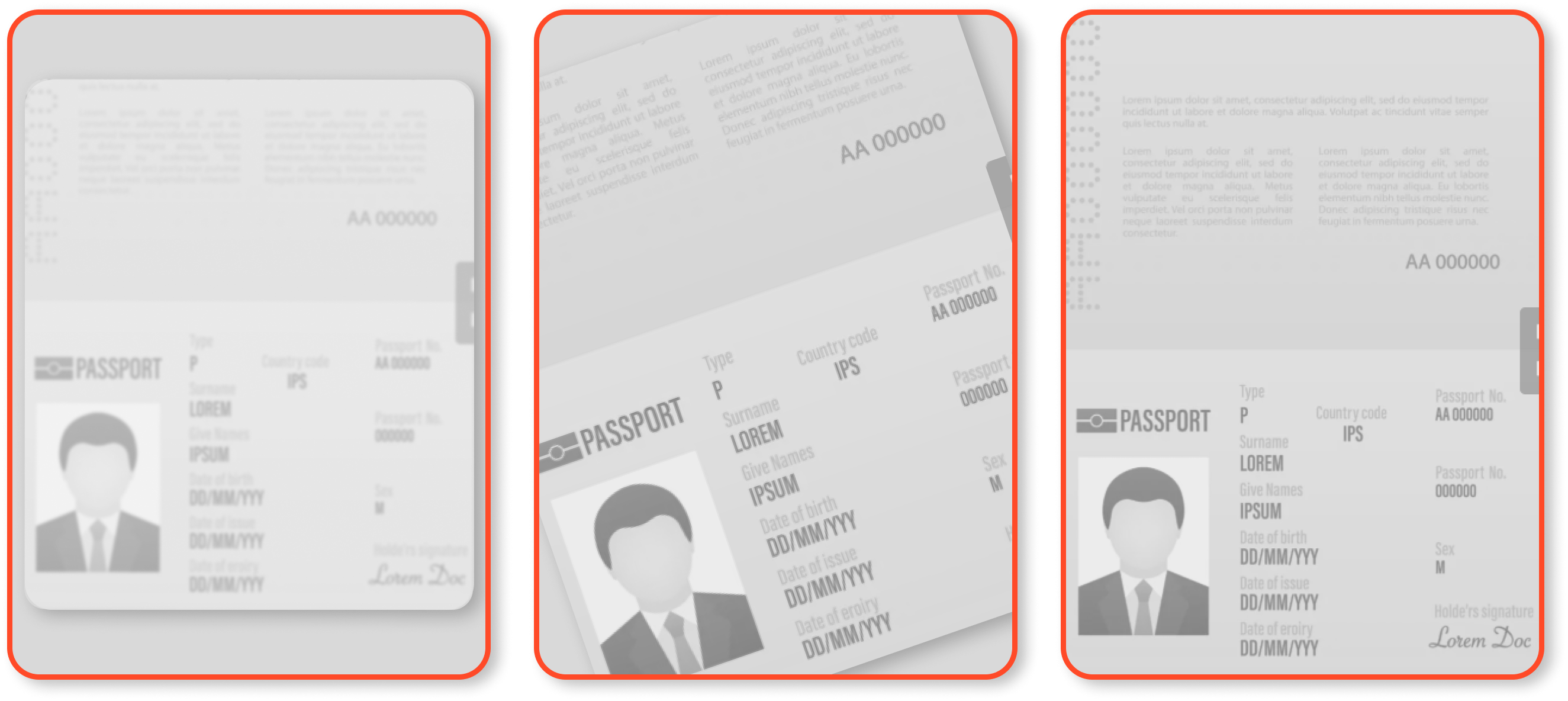
Examples of unacceptable photos
- Photo taken on a computer screen: Photos of documents displayed on a screen are not accepted.
- Black and white photo: Documents must be photographed in color.
- Cropped or transparent edges: The edges of the CNI or passport must be fully visible.
- Obstructions hiding information: No part of the document should be hidden or unreadable.
Steps to photograph your identity document
- Choose a solid and light background: Place your document on a flat, solid surface, preferably light-colored, to avoid visual distractions.
- Use good lighting: Photograph your document in a well-lit area, avoiding glare and shadows.
- Take the photo in color: Make sure your camera is set to color mode.
- Check the edges: Ensure that all the edges of the document are visible and not cropped.
- Check the legibility: Ensure that all the information on the document is clearly readable.
If you have any further questions, we are at your disposal !
Monday to Friday : from 9:30 to 12:30 and 13:30 to 18:00.
Contact us by phone 👉 +33 1 82 88 29 51